Unisium vs Photomath: Active Mastery System vs Step-by-Step Solver
The Unisium Study System helps you build durable math and physics skill through retrieval practice, elaborative encoding, self-explanation, and problem solving. Photomath is useful for a different job: getting an answer, checking a step, or inspecting a worked example after an attempt. Use Photomath carefully as a support tool; use Unisium when your goal is to solve future problems yourself.
Photomath can make homework faster. That is useful. It is not the same as getting good.
The risk is simple: if the app chooses the method, shows the steps, and finishes the problem, the hardest thinking may have happened outside your head.
Unisium is built around the opposite idea. You retrieve principles, connect them to conditions and examples, explain worked solutions, and solve problems so the skill becomes yours.
If you are searching for a Photomath alternative, the real question is not which app produces steps faster. The real question is whether you want the next step shown to you or whether you want to become better at producing the next step yourself.
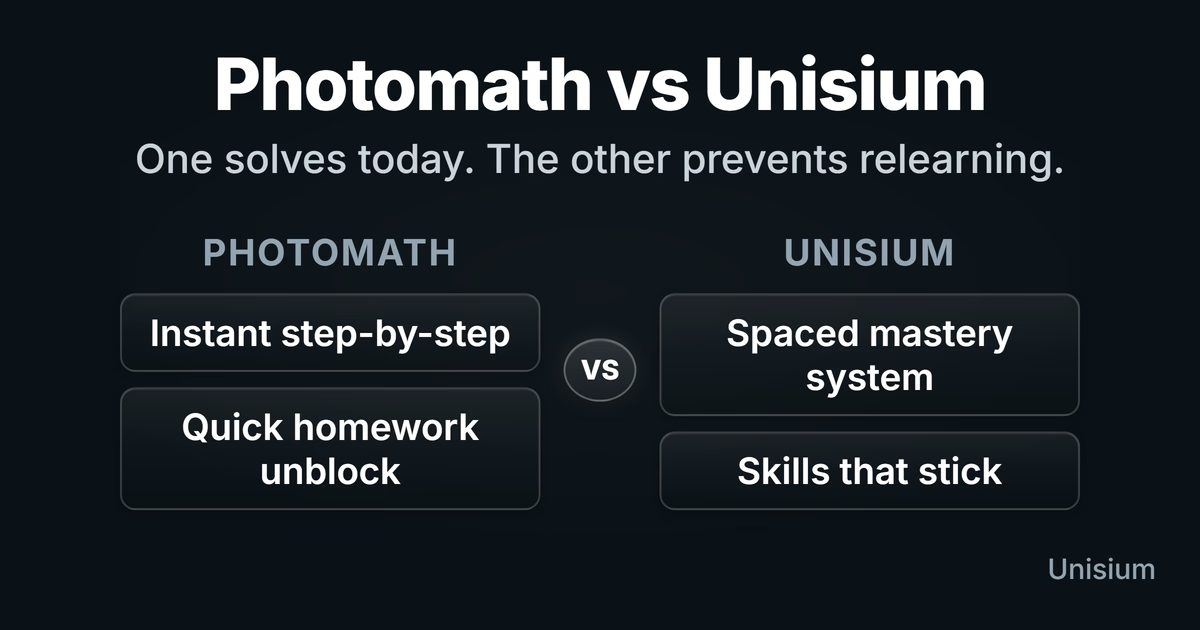
Quick Verdict
- Choose Photomath if you need to check a step, compare a worked solution, or get unstuck after a real attempt.
- Choose Unisium if you want to master math and physics rather than depend on step-by-step answers.
- Use solvers carefully as support tools, not as the main study loop.
- Do not confuse clarity with mastery. A solution can feel obvious when someone else has already chosen the method.
How Photomath Works
Photomath is a camera-first math solver. You scan a problem, or enter it with the calculator, and the app returns a solution with steps.
That is what makes it appealing: it is fast, visual, and built to turn a math problem into step-by-step work. Photomath is presented as a scanner-based math app with step-by-step explanations, multiple solution methods, and broad coverage from arithmetic through calculus.
That also clarifies its limits. Photomath is a math solver, not a physics modeling system. If you use it for physics, it can help with the mathematical manipulation after the model has already been built. It will not choose the physical system, decide which interactions matter, or build the model for you.
What Photomath Is Good For
Photomath is good at the job it was built for: helping you get from a problem to steps and an answer quickly.
That can be useful when you:
- are stuck after a real attempt
- want to compare your algebra with a worked solution
- need to inspect a step you do not understand
- want a fast check on a homework problem
Used that way, Photomath can support learning. The problem starts when it becomes the study loop.
Where Photomath Falls Short
Math and physics mastery require production, not just recognition.
Photomath can show steps and explanations. The limitation is that the app can still do most of the productive work for you: recognizing the structure, choosing the method, and showing the next move. Unless you actively explain and redo the solution, you may only feel that you understood it.
That is why solver use can feel productive without producing durable skill. You may understand the shown solution in the moment and still freeze when a new problem appears on an exam.
The issue is not that Photomath is bad. The issue is that answer checking and mastery training are different jobs.
Why Unisium Is Different
Unisium is not a solver. It is a principle-based study system for math and physics.
The system is built around four kinds of active work:
- Retrieval practice — recall the principle before it is shown.
- Elaborative encoding — connect the principle to conditions, examples, boundary cases, and related ideas.
- Self-explanation — explain steps in worked solutions so you learn why the solution works.
- Problem solving — apply principles in problems where the method is not already handed to you.
That matters because students do not usually fail math and physics because they have never seen an answer. They fail because they cannot produce the right move themselves when the support disappears.
Head-to-Head
| Question | Unisium | Photomath |
|---|---|---|
| Main job | Build usable skill | Show steps and answers |
| Best use | Regular active study | After an attempt, to inspect a solution |
| User role | Retrieve, explain, solve | Follow and compare |
| Worked solutions | Used for self-explanation | Shown to you |
| Long-term learning | Built into the study loop | Depends on how you use it |
| Risk | Requires effort | Solver dependence |
| Best fit | Mastery, exams, and durable skill | Homework checks and quick unblocking |
How to Use Photomath Without Becoming Dependent
If you use Photomath, use it after effort, not instead of effort.
A better rule:
- Try the problem first.
- Look only for the first step where your attempt diverges.
- Explain that step before moving on.
- Close Photomath.
- Redo the problem from scratch.
- Later, solve a similar problem without help.
When you inspect a Photomath step, do not just ask “what did it do?” Ask:
- What principle, rule, or method is being used?
- Why is this step allowed?
- What condition makes the step valid?
- What changed mathematically from the previous line?
- Could I re-derive this calculation myself?
- If this is a word problem or modeling step, how was the setup created?
That is the difference between using Photomath as a worked-example source and using it as an answer machine. If you skip the explanation and redo steps, you mostly trained recognition. You did not prove that you can produce the solution yourself.
What to Do Next
If you mainly need a step check, Photomath can help after a real attempt.
If you want to reduce solver dependence and get better at math or physics, start with Is Unisium Right for You? and check current access and pricing.
If you are comparing Unisium with other study systems, read Unisium vs Anki or Unisium vs Quizlet.
FAQ
Is Photomath good for learning?
Photomath can help if you use it after an attempt to inspect steps or compare a solution. It is weak as the main study loop because it can do the thinking you need to train.
Is Photomath cheating?
It depends on the rules for your course. Using it on graded work may violate academic policies. Using it for self-study after an attempt is different, but you still need to redo problems without help if you want to learn.
Why does Photomath feel helpful but not improve exam performance?
Because understanding a shown solution is not the same as producing a solution yourself. Exams require you to retrieve the relevant ideas, choose a method, and solve without the answer visible.
What is the best Photomath alternative for real learning?
If you want another solver, Symbolab, Mathway, and similar tools are in the same category. If you want real learning, use a study system like Unisium that trains you to retrieve, connect, explain, and solve instead of just following steps.
Can I use Photomath and Unisium together?
Yes, but Photomath should not be the default study loop. Use Photomath for step checks after attempts. Use Unisium as the main system for building durable skill.
Is Photomath still useful now that AI tools exist?
Yes, for a narrow job. Photomath is fast, camera-first, and optimized for turning a math problem into step-by-step work. AI tools are more flexible for follow-up questions, but the learning risk is the same: if the tool does the thinking, you still need to redo, explain, and later solve without help.
Is Unisium a solver?
No. Unisium is not built to bypass thinking. It is built to make you retrieve, connect, explain, and solve so that math and physics become more usable.
Does Unisium work for physics too?
Yes. Unisium is built for math and physics. In physics, the focus is not just formulas, but principles, systems, conditions, models, worked solutions, and problem solving.
How much does Unisium cost?
See Pricing for the 14-day free trial, subscription prices, and current availability.
How This Fits the Photomath vs Unisium Decision
Photomath is useful when the immediate problem is confusion. Unisium is useful when the deeper problem is skill.
That is the decision: do you want the next step shown to you, or do you want to become better at producing the next step yourself?
Unisium is a principle-based study system for math and physics. It trains retrieval practice, elaborative encoding, self-explanation, and problem solving so students can build mastery instead of depending on step-by-step solvers. The point is not to get more steps shown to you. The point is to become better at producing the steps yourself.
Masterful Learning
The book behind these guides: a study system for physics, math, & programming built on retrieval, connection, explanation, and problem solving.
Ready to apply this strategy?
Unisium turns these evidence-based techniques into guided study sessions for math and physics. Places are limited during early access. Check current availability to start a trial; joining the mailing list is optional.
See plans and availability Read More GuidesAlready have access? Sign in