Self-study math workbooks with full solutions
Workbooks for adults who learn math on their own, one principle at a time. Each one has questions to answer about every principle, tables for recalling them from memory, and problems with full, step-by-step solutions.
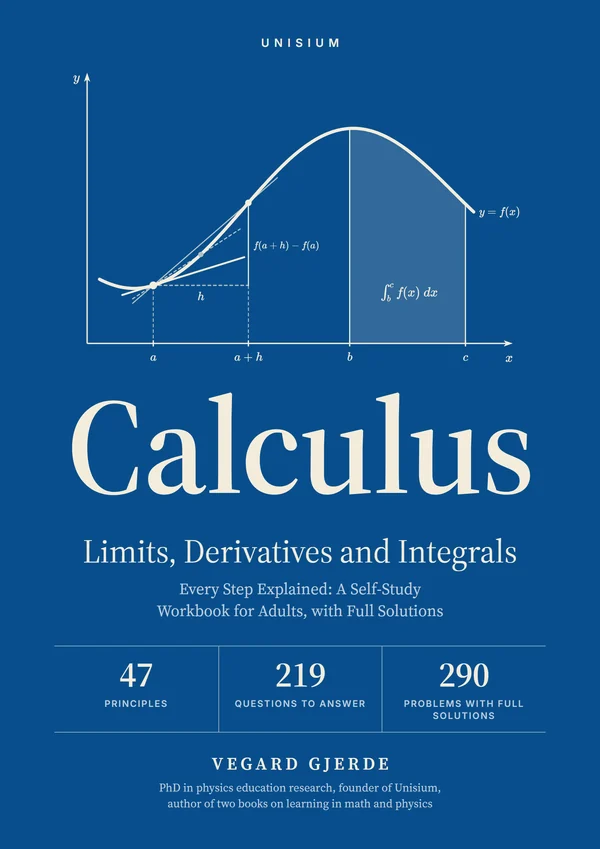
Open a workbook to see all its principles, what it covers and the AI prompts it prints.
Get a workbook
The PDF edition of Calculus: Limits, Derivatives and Integrals, which you can fill in on screen, is free by email, together with the book Masterful Learning and two study sheets.
Get them free by emailWho they are for
Adults who learn on their own, often around a job: people coming back to a subject they once passed and forgot, and people who need it now for a course, a degree or their work. Each principle page states the principle and when it applies, and links a free guide that teaches it. Every problem has a full solution, so you can learn and check your work without a teacher. AI chat prompts printed in each workbook give you feedback on your answers and explanations.
How every workbook is built
Every Unisium workbook is built the same way. Its chapters follow the subject's free principle map on this site, one chapter for each column.
Every solution is written out step by step, with an explanation beside each step, so you can check your own work and see why each step is allowed. Every principle, question and problem comes from the Unisium app, and each principle has a free guide on this site.
One loop for every principle
Each workbook teaches the same loop of four activities. Go round it in every study session, from the first day.
-
1. Answer
Answer the questions on a principle's page and rate each answer. Come back to them on later days until they are right and complete on two different days.
-
2. Recall
Write the principles you have studied from memory in a recall table, then check them against their pages. Start each study session this way.
-
3. Solve
Try a problem before you look at its solution. Each principle page lists the problems it opens up.
-
4. Explain
Where you get stuck, cover the explanation column of the full solution and explain the steps yourself. Then read the explanations and compare. Log the date, and try the problem again about a week later.
Found an error in a workbook? Report it here. Each fix also corrects the app.